
Quality You Can Actually Prove
Build the inspection forms your business needs, fill them on a phone with photos and signatures, share branded PDFs with customers, and spot issues before they call.
Quality Report
Office Kitchen · Floor 2
Section
2/4
Issues
1
Score
95%
Section 2 · Kitchen
3 of 12 →Worktops cleaned & disinfected
Floor mopped, no debris
Bins emptied & relined
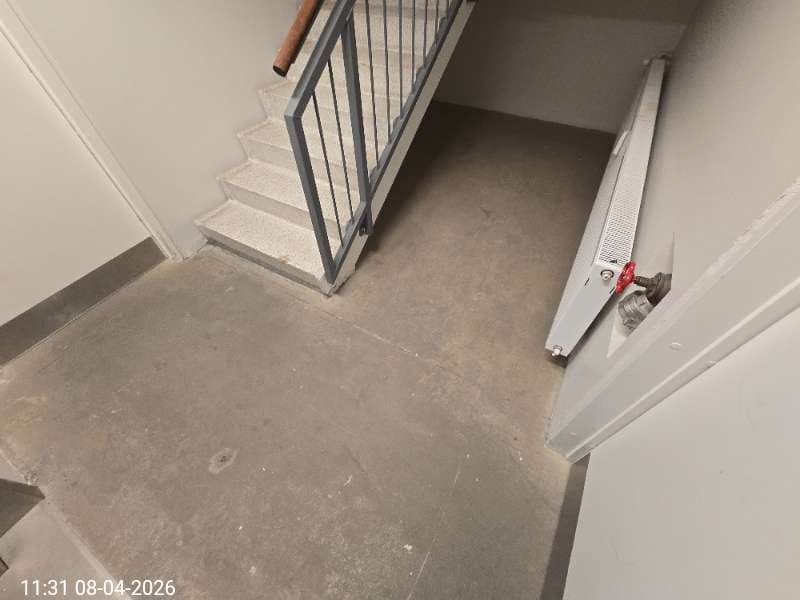
Photo evidence
5 photos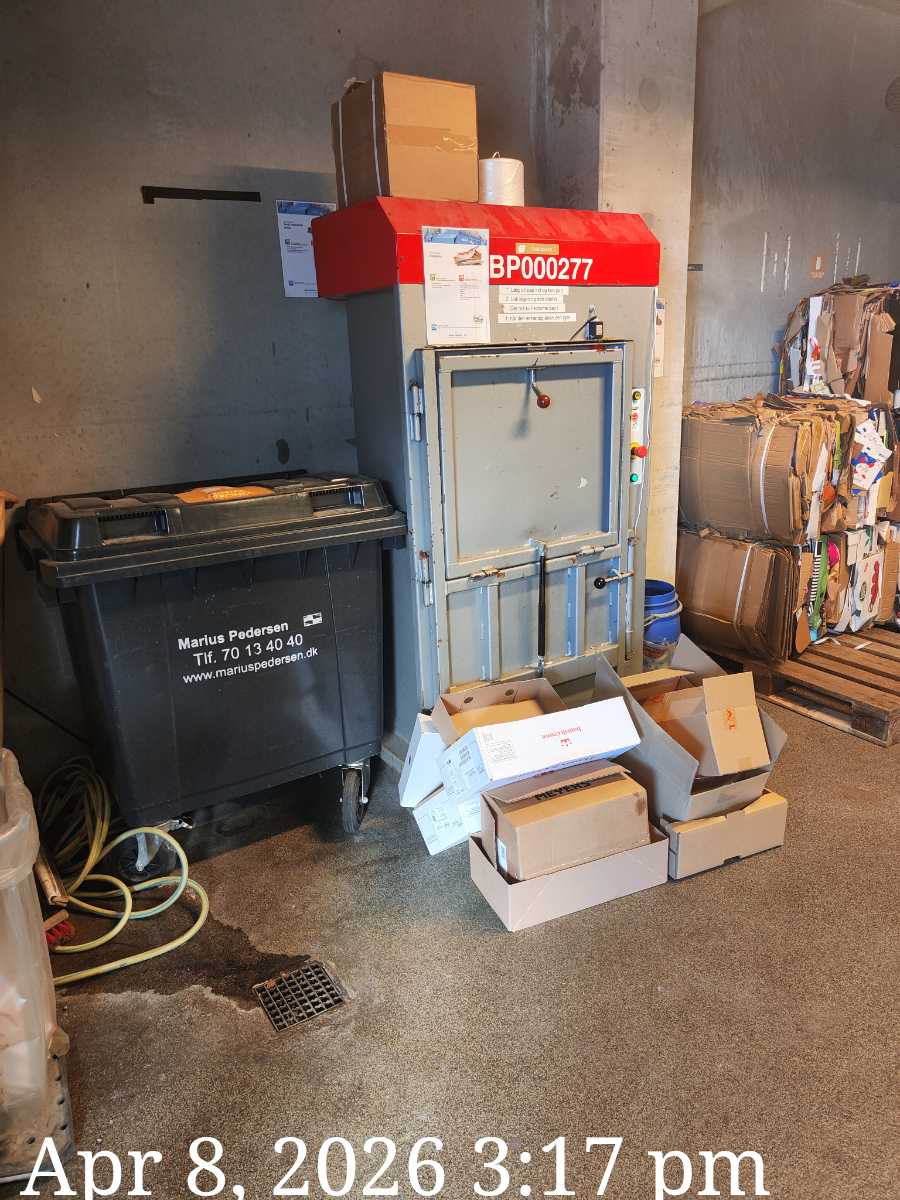
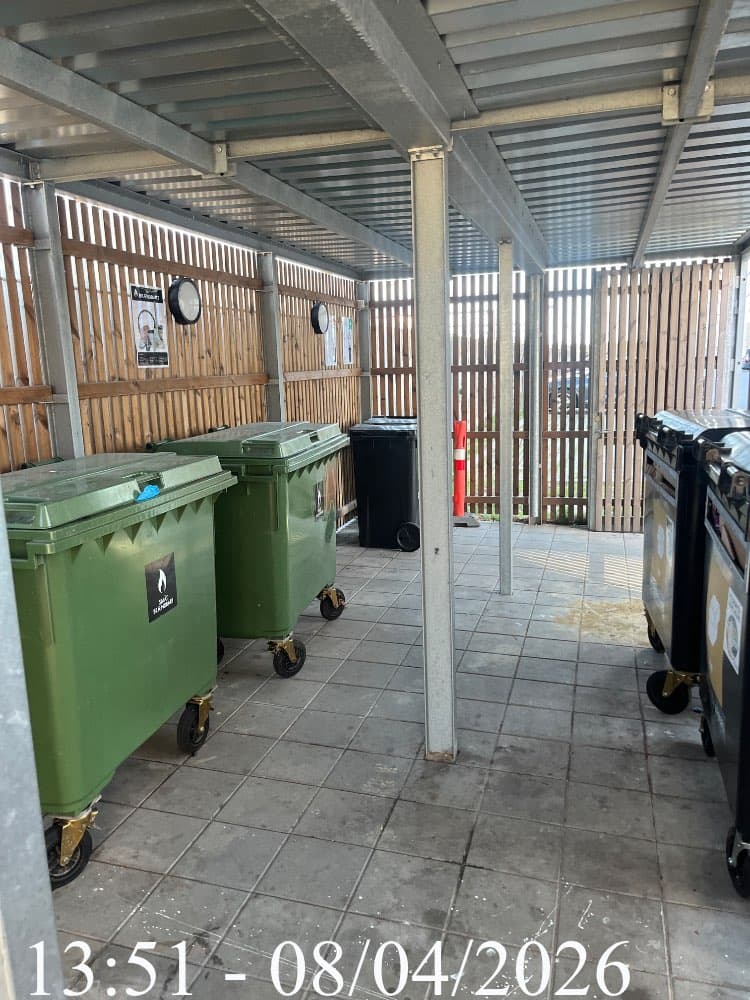
Report finalised
PDF ready to share
Stop Losing Inspections to Paper
Service businesses still rely on clipboards, photos in WhatsApp and "we'll send the report tomorrow". SaberTask gives you a digital trail tied to every job.
Without SaberTask
- Generic checklists that don't fit your service
- Photos saved on workers' phones, lost when staff leave
- Reports retyped at the office and emailed days later
- No way to spot recurring quality issues by location
With SaberTask
- Custom templates that match the inspection you actually run
- Photos and signatures attached directly to each report section
- Branded PDF ready to share before the worker leaves the site
- Recent issues feed surfaces problem locations automatically
Inspection That Lives Where the Work Happens
Templates designed by you, filled by workers on the phone, reviewed on the web and shared with customers as a branded PDF - all in one connected system.
Custom Templates
Build inspection forms with sectioned structure and mixed response types - text, happy/unhappy ratings, photo uploads and signatures.
Mobile Photo Capture
Workers attach photos from the camera or gallery directly to the section they belong to, with auto-save through patchy coverage.
Customer Signatures
Capture customer and worker signatures on the phone screen, finalise the report and lock the data with a timestamp.
Branded PDF Export
One-tap PDF carries your logo, every section, answer, photo and signature - ready to share over email or messaging.
Recent Issues Feed
A live feed of unhappy ratings and quality concerns by location, so recurring issues surface before customers complain.
Multilingual
Workers fill the report in their preferred language so quality data stays consistent across multilingual teams.
Task ID
SA-1
Customer ID
C-1001
Address
Fortunvej 44, Charlottenlund 2920
Last visit
23 Mar 2026
Next visit
No scheduled
Recent Issues
Mar 25, 2026
By Admin User
Worker Input
Notes
Workers see issues the moment they arrive
When a worker opens a task on site, SaberTask surfaces every recent issue at that location right at the top - so they walk into the building already knowing what to look out for and what the customer flagged last time.
Recent issues banner
Every task screen shows a count of unhappy ratings logged at this location in the last 30 days, with one tap to open the original reports.
Tap through to the report
Workers can open the full inspection - sections, photos, ratings and customer comments - without leaving the task screen.
Visit history at a glance
Last visit, next scheduled visit and the customer reference are visible the moment a task opens, so context is never more than a glance away.
From Template to PDF
Build Templates
Admins design inspection forms with sections, ratings, photo fields and signatures - tailored to your service, not a generic checklist.
Fill on Mobile
Workers open the report on the phone where the work happens, snap photos, capture ratings and get the customer's signature.
Share & Review
Finalise the report, share the branded PDF with the customer, and review every report from the web with private manager notes.
Try SaberTask free for 30 days
Full access to everything - web dashboard, mobile app, all user types. Set up your first customer in minutes.